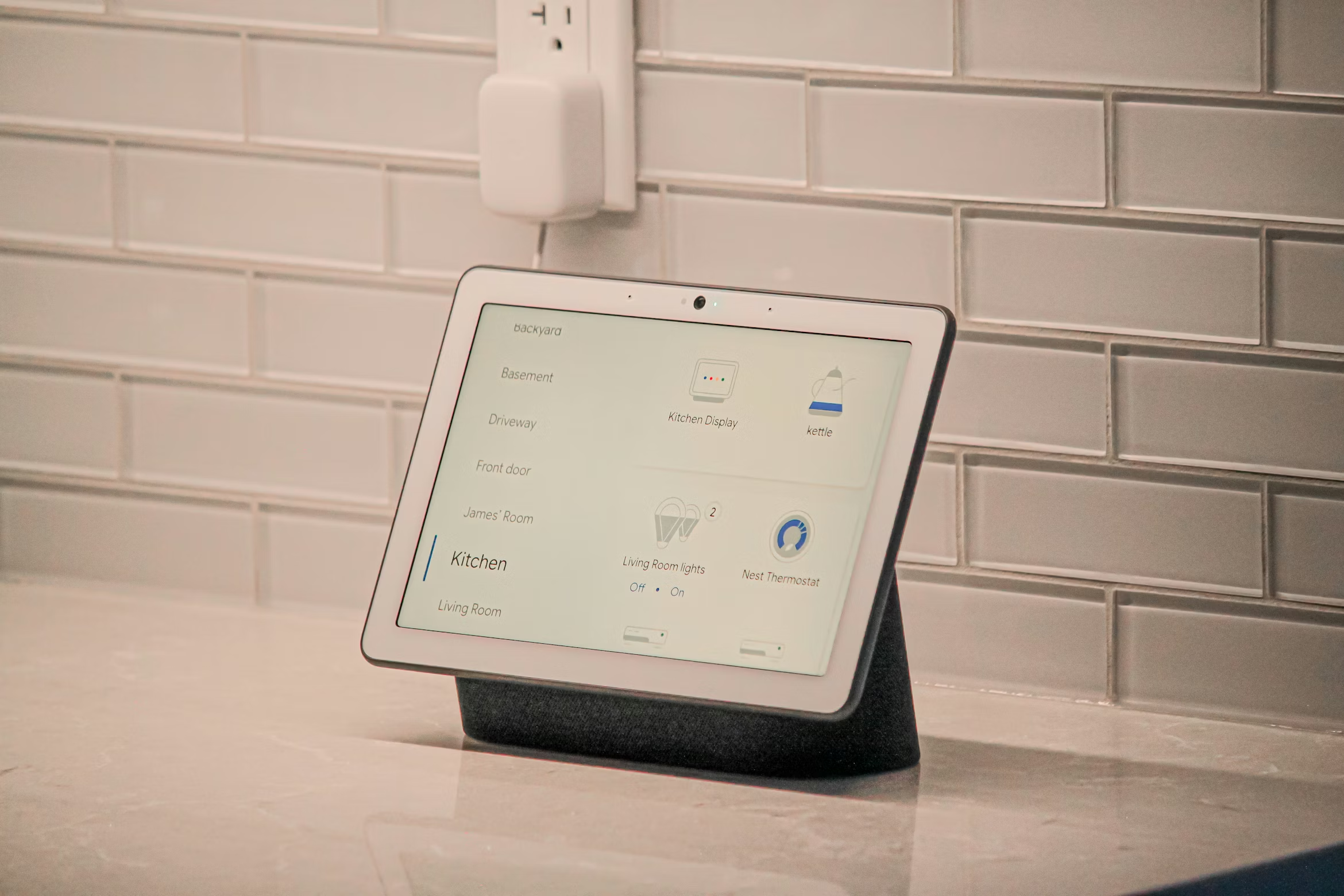
Smart Home Automation: Getting Started
Smart home automation isn’t just for tech enthusiasts anymore. With the right setup, you can control lights, locks, thermostats, and more—all from your phone or voice commands.
What is home automation?
Home automation lets your devices work together and respond to your routines. You can set up rules like:
- “Good morning” turns on lights, adjusts thermostat, starts coffee
- “Leaving home” locks doors, turns off lights, arms cameras
- “Movie time” dims lights, closes blinds, turns on TV
- Motion detected triggers lights or sends alerts
Popular smart home devices
- Smart lights: Control brightness, color, and schedules (Philips Hue, LIFX)
- Smart locks: Unlock from your phone, create guest codes (August, Schlage Encode)
- Smart thermostats: Save energy with automatic scheduling (Nest, Ecobee)
- Smart plugs: Turn “dumb” devices on/off remotely (TP-Link, Wemo)
- Smart speakers: Voice control with Alexa, Google Home, or Siri
- Smart blinds: Automated shades that adjust with sunlight (IKEA, Lutron)
Choosing your control hub
You need a central hub to make devices talk to each other:
- Home Assistant: The best choice—fully local, no subscriptions, works with almost everything
- Amazon Alexa: Good for voice control and basic routines
- Google Home: Similar to Alexa with better search
- Apple HomeKit: Great if you’re all-in on Apple devices
- SmartThings: Easy to use but requires internet connection
Why we recommend Home Assistant:
- No monthly fees or cloud dependency
- Works even if internet is down
- Privacy-focused—your data stays local
- Supports 1,000+ brands and devices
Start small, expand later
Beginner setup ($200-$500):
- Smart lights in 2-3 rooms
- Smart lock on front door
- Voice assistant (Alexa or Google)
- Basic routines (“turn off all lights at bedtime”)
Intermediate setup ($500-$1,500):
- Add smart thermostat
- Smart garage door opener
- Motion sensors for automation
- Home Assistant server for advanced control
Advanced setup ($1,500+):
- Whole-home lighting control
- Motorized blinds
- Integrated security cameras
- Custom automations for every scenario
Example automations that actually help
- “Nobody’s home”: When everyone leaves, lock doors, turn off lights, adjust thermostat to save energy
- “Welcome home”: Unlock door, turn on lights, adjust temperature when you arrive
- “Bedtime”: Lock doors, turn off all lights, arm security cameras
- “Motion in backyard”: Turn on lights, send phone alert, start recording
- “Sunrise/sunset”: Adjust lights and blinds automatically
DIY vs professional setup
DIY works if:
- You only need a few devices
- You’re comfortable with apps and troubleshooting
- You don’t mind cloud-based services
Professional setup is worth it when:
- You want local control with no subscriptions
- You need devices from different brands to work together
- You want custom automations tailored to your routine
- You prefer reliable, tested configurations
What professional installation includes
- Device selection based on your goals and budget
- Server setup with Home Assistant (local, private, no fees)
- Device integration so everything works together
- Custom automations for your specific routines
- Training session so you can modify and expand on your own
Common concerns addressed
“Isn’t this complicated?” Once it’s set up, it’s simple. You control everything from one app or voice commands.
“What if internet goes out?” With a local setup like Home Assistant, automations keep working.
“Will it work with what I already have?” Probably! Most devices can integrate with the right hub.
“Can I add more later?” Absolutely. Start with basics and expand over time.
Average costs
- Starter package: $500 + hardware (3-5 devices)
- Whole-home automation: $1,500-$3,000+ depending on device count
- No monthly fees with local server setup
Ready to automate your home?
We’ll help you choose the right devices, set up a local server, and create automations that actually fit your life—no subscriptions required.
Call/text 📱 (469) 844-0493 to get started.