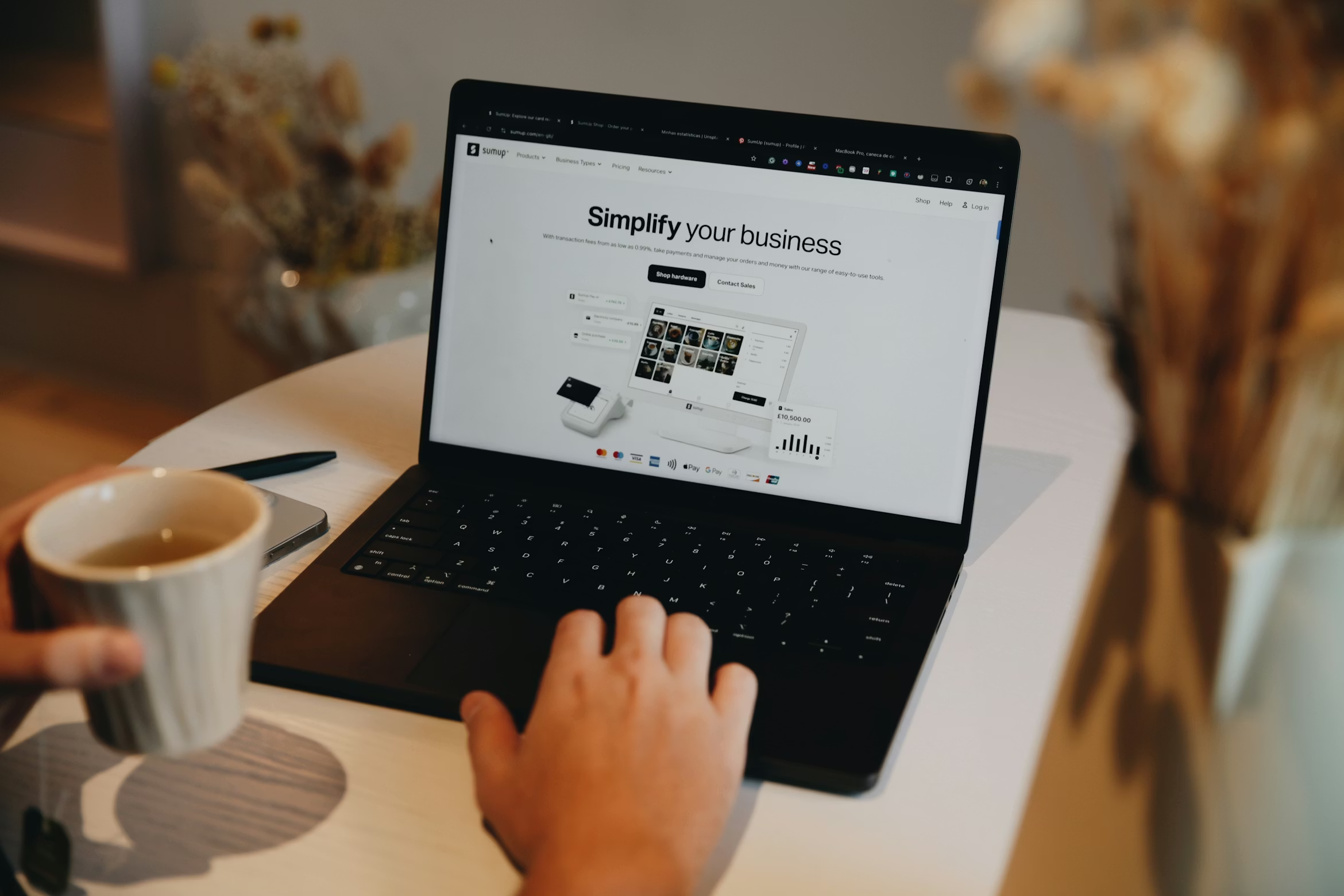
Small Business Website Essentials
Your website is often the first impression potential customers have of your business. Here’s how to make sure it represents you well without overcomplicating things.
Why your business needs a website
Even if you rely on word-of-mouth or social media, a website:
- Builds credibility: Customers trust businesses with professional sites
- Shows up in Google searches: People search for local services every day
- Works 24/7: Customers can learn about you outside business hours
- Gives you control: You own it, unlike social media platforms
- Provides contact options: Clear ways to reach you (phone, email, form)
Essential pages every business site needs
1. Home page
- What you do in one sentence
- Who you serve (residential, commercial, etc.)
- Clear call-to-action (“Call for a quote”, “Schedule consultation”)
- Trust signals (years in business, certifications, service area)
2. Services page
- List what you offer with clear descriptions
- Pricing (if you can be transparent) or “Starting at…”
- What’s included in each service
- Why customers choose you
3. About page
- Who you are and why you started
- Your experience and qualifications
- Photos of you and your team (real people, not stock photos)
- Your approach or values
4. Contact page
- Phone number (clickable for mobile)
- Email address
- Contact form
- Service area map or cities you cover
- Business hours
5. Testimonials (optional but valuable)
- Real customer quotes with names
- Before/after photos if relevant
- Video testimonials are even better
Features that actually matter
Must-haves:
- Mobile-responsive design: Most people browse on phones
- Fast loading: Slow sites lose customers
- Clear navigation: Easy to find what they’re looking for
- Click-to-call button: One tap to call you on mobile
- Local SEO: Google finds you when people search “[your service] near me”
Nice-to-haves:
- Photo gallery: Show your work
- Blog: Share tips and improve SEO
- Online booking: Let customers schedule appointments
- Email capture: Build a mailing list
- Analytics: See how many visitors you get
Skip these unless you need them:
- Fancy animations (slow down your site)
- Auto-playing videos (annoying)
- Popups (drive people away)
- Complicated navigation (confusing)
Design principles for small business sites
Keep it simple:
- Clean layout with plenty of white space
- Easy-to-read fonts (not fancy scripts)
- 2-3 colors that match your brand
- High-quality photos (avoid generic stock images)
- Clear hierarchy (big headlines, smaller body text)
Make it trustworthy:
- Professional email (you@yourbusiness.com, not Gmail)
- Real photos of your team and work
- Customer reviews and testimonials
- Certifications or memberships
- Secure site (HTTPS, not HTTP)
Make it actionable:
- Phone number in the header (every page)
- One clear call-to-action per page
- Easy-to-find contact form
- Service area clearly stated
SEO basics for local businesses
On your website:
- Include location in page titles (“Dallas CCTV Installation”)
- Add service keywords naturally in content
- Create pages for each service you offer
- Include your city and nearby areas in text
- Add alt text to images
Off your website:
- Claim your Google Business Profile
- Get listed in local directories
- Ask happy customers for Google reviews
- Keep NAP consistent (Name, Address, Phone) everywhere online
Common small business website mistakes
- No clear call-to-action: Visitors don’t know what to do next
- Hidden contact info: Phone number buried on contact page only
- Too much text: Long paragraphs that nobody reads
- DIY design that looks DIY: Hurt credibility instead of helping
- Outdated content: Copyright 2019 makes you look closed
- Not mobile-friendly: More than 60% of visitors are on phones
- Slow loading: People leave before it even loads
- No pricing guidance: “Contact for pricing” on everything frustrates people
When to DIY vs hire a designer
DIY website builders work if:
- You have very simple needs (1-3 pages)
- You’re comfortable with templates
- You have time to learn the platform
- Budget is extremely tight ($0-$100)
Popular DIY platforms:
- Wix, Squarespace (easy but monthly fees)
- WordPress.com (limited free version)
- Carrd (simple one-page sites)
Hire a professional if:
- You want a custom design
- You need SEO optimization from the start
- You want it done right the first time
- You value your time over DIY savings
- You need integrations (booking, email, etc.)
Website costs to expect
DIY approach:
- Domain name: $15/year
- Hosting or website builder: $15-$30/month
- Your time: 10-20 hours
- Total first year: $200-$400 + significant time
Basic professional site:
- Simple design for blogs or portfolios
- Cost: $600 one-time
- 3-5 pages, mobile-responsive, SEO basics
Advanced professional site:
- Custom design and functionality
- Email integrations, booking systems, etc.
- Cost: $1,500+ one-time
- Reflects your brand, optimized for conversions
Ongoing hosting (optional):
- Hosting with us: $25/month
- Includes domain, 1 free hour of edits monthly
- Discounted additional support ($50/hour vs $75)
What good website development includes
When you hire a pro, make sure you get:
- Strategy session: Understand your goals and customers
- Mobile-responsive design: Works perfectly on all devices
- SEO optimization: Set up to rank in Google
- Content guidance: Help with what to say and how
- Training: Learn how to update content yourself
- Analytics setup: Track visitor behavior
Maintaining your website
Monthly tasks:
- Check that all links work
- Update any outdated information
- Add a blog post if you blog
- Review analytics (what pages get traffic?)
- Respond to contact form submissions promptly
Quarterly tasks:
- Update software/plugins (if using WordPress)
- Review and update service descriptions
- Refresh testimonials if you have new ones
- Check mobile view on different devices
Yearly tasks:
- Renew domain name
- Audit entire site for outdated content
- Refresh photos if needed
- Review hosting costs
Getting started
1. Define your goals:
- What do you want your website to do?
- Who is your ideal customer?
- What do you want visitors to do? (Call, email, book?)
2. Gather content:
- Service descriptions
- About your business story
- Photos (real ones, not stock)
- Customer testimonials
- Contact information
3. Choose your approach:
- DIY if budget is tight and needs are simple
- Professional if you want it done right
4. Plan for maintenance:
- How will you update content?
- Who handles technical issues?
- What’s your backup plan if something breaks?
Ready for a professional website?
We build clean, effective websites for small businesses—no fluff, just what you need to attract customers and look professional online.
Basic sites start at $600. Advanced sites with custom features start at $1,500.
Call/text 📱 (469) 844-0493 to discuss your needs.