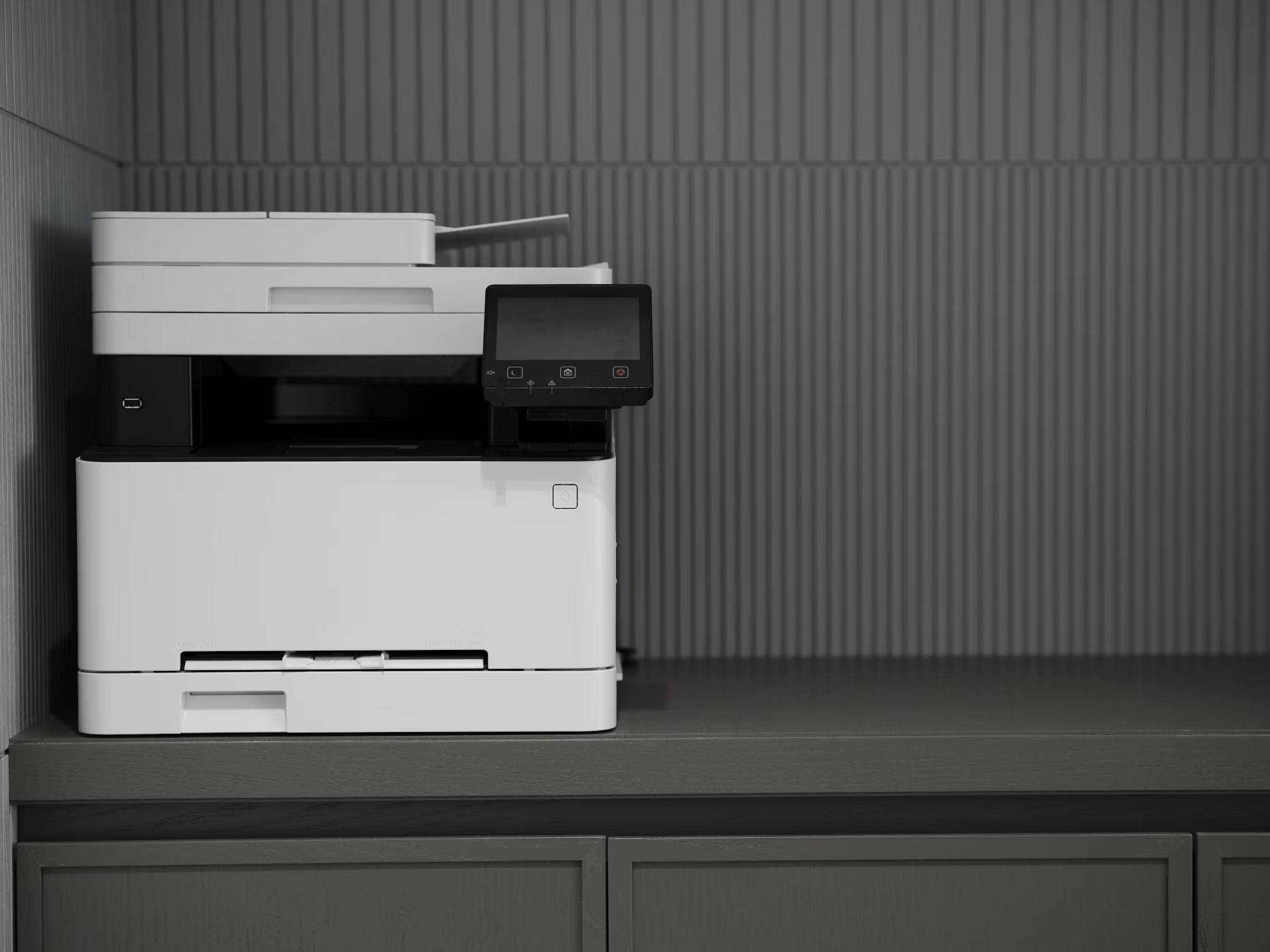
Printer Setup & Troubleshooting (Without the Headache)
02/06/26
Printers can be frustrating, but most issues are easy to fix with a calm, step‑by‑step approach.
Common problems
- Printer not showing up on Wi‑Fi
- “Offline” errors
- Ink warnings or streaky prints
- Print jobs stuck in the queue
Quick setup tips
- Place the printer near the router for the first setup.
- Use the printer screen to connect to Wi‑Fi.
- Install drivers from the printer brand’s website.
- Print a test page to confirm it works.
Quick fixes you can try
- Restart printer and router (power off for 30 seconds).
- Reconnect Wi‑Fi using the printer panel.
- Update printer drivers on the computer.
- Clear the print queue (stuck jobs cause “offline” errors).
- Replace low ink and run a cleaning cycle if print quality is bad.
When to call for help
If the printer still won’t connect, or it keeps going offline, I can get it set up properly and make sure it stays that way.
Need a hand? I can set it up for you.
Call/text 📱 (469) 844‑0493.