Home Wi‑Fi Setup: Best Practices
05/02/25
A good Wi‑Fi setup makes everything faster and more reliable—streaming, video calls, and smart devices all benefit. Here’s a simple, no‑stress guide.
Setup basics
- Place the router in the center of the home and up high.
- Avoid hiding it in a cabinet or behind the TV.
- Use 5GHz for nearby devices; 2.4GHz for longer range.
- Name your network clearly (example: “SmithHome‑5G”).
- Set a strong password and don’t share it widely.
A quick walkthrough
- Plug in the modem and router and wait for the lights to stabilize.
- Connect a phone or laptop to the Wi‑Fi.
- Open the router app or web page to finish setup.
- Set a network name and password you’ll remember.
- Update firmware if the router prompts you.
Helpful extras
- Create a guest network for visitors or smart home devices.
- Run a speed test after setup to confirm performance.
- Reboot once a month if things get flaky.
When to consider an upgrade
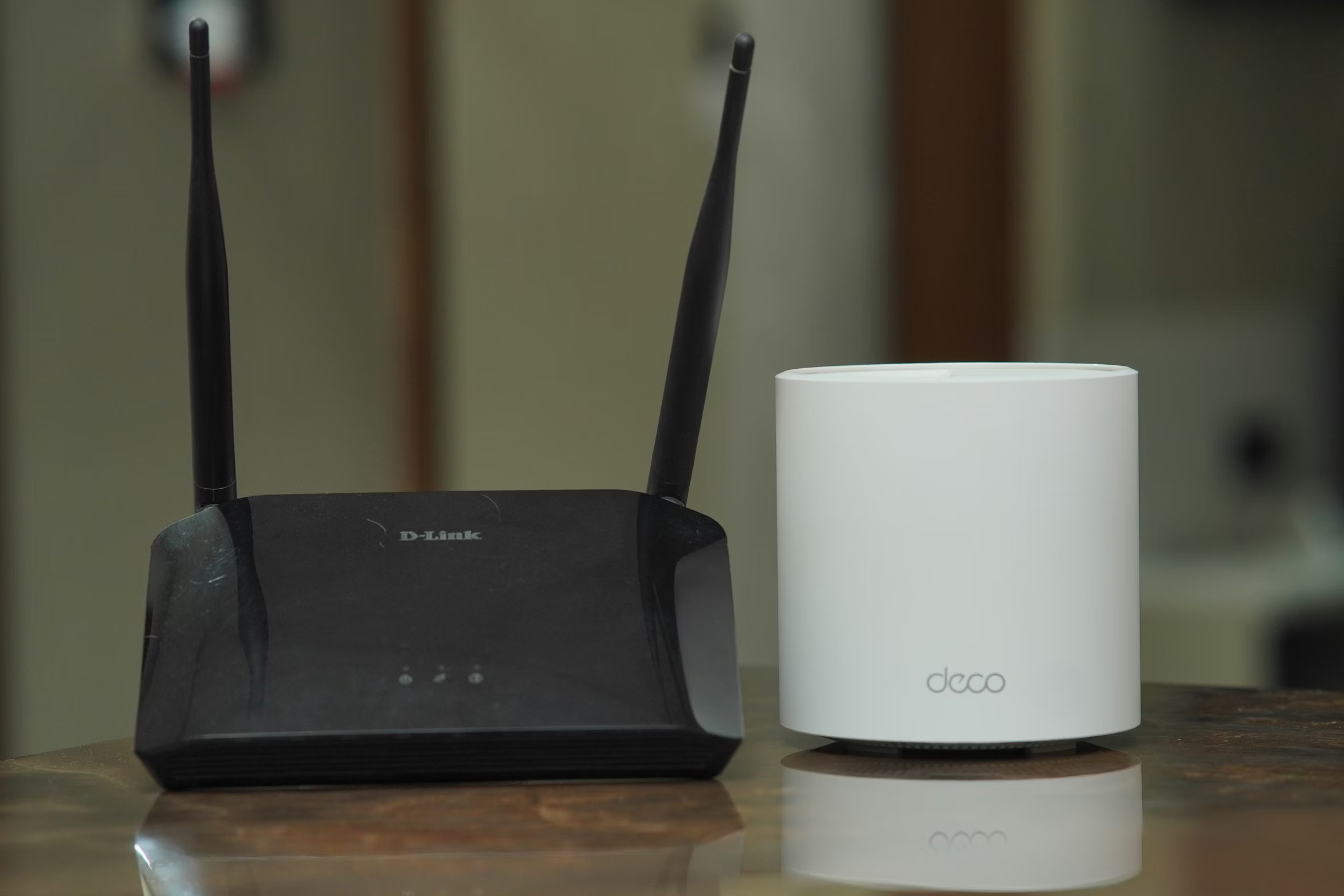
If you have lots of devices or dead zones, a Wi‑Fi 6 router or mesh system can make a big difference.
Need help installing or optimizing your network?
Call/text 📱 (469) 844‑0493.